A Day in the Life of an AI-Augmented SRE (2026)
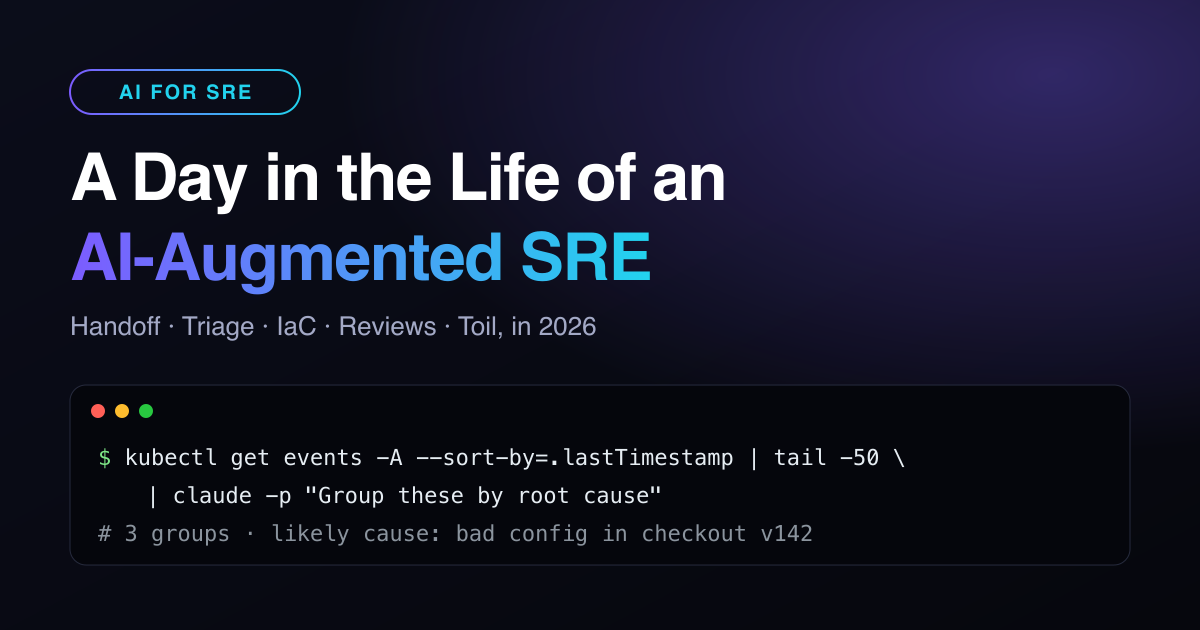
An AI-augmented SRE still owns reliability, but the shape of the day has changed. The assistant gathers context, drafts code and summarises noise. The human decides, reviews and carries the pager. Here is a real-world day in 2026, block by block, with the commands that do the heavy lifting.
The AI-augmented SRE day at a glance
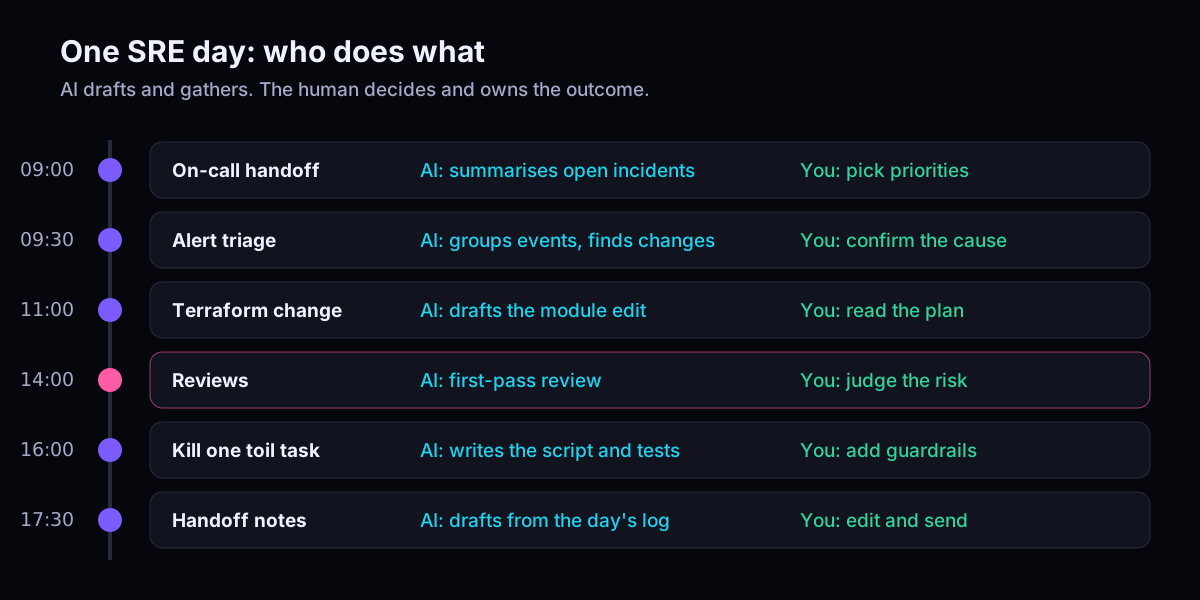
The pattern repeats all day: the AI does the first 80% of the gathering, and you spend your attention on the last 20%, which is judgement.
09:00 On-call handoff in two minutes
# Open incidents and what changed overnight, summarised for the handoff
gh issue list --label incident --state open \
  --json number,title,updatedAt,labels \
  | claude -p "Summarise for an on-call handoff: what is open, what is getting worse, what can wait. Max 8 bullets."
Piping structured JSON into claude -p keeps the model grounded in facts you control. A good handoff still needs a human read. The summary is the agenda, not the decision. If handoffs drain your team, the basics in on-call best practices still apply.
09:30 Triage with an AI co-pilot
# Recent cluster events, grouped by likely cause
kubectl get events -A --sort-by=.lastTimestamp | tail -50 \
  | claude -p "Group these events by likely root cause. For each group: evidence, confidence, next check."

# Did something ship just before the errors started?
kubectl rollout history deployment/checkout -n shop
Most incidents follow a change, so ask for changes first. In my own work I built a Slack bot that investigates incidents using documentation search, metric plugins and log APIs. It is the same idea, wired into the incident channel.
Rule of thumb: AI can propose a hypothesis. Only a human can declare a root cause or approve a production write.
11:00 Infrastructure changes: AI drafts, the plan decides
terraform fmt -check && terraform validate
terraform plan -out=tfplan

# Show only what will actually change: this is what you review
terraform show -json tfplan \
  | jq '.resource_changes[] | select(.change.actions != ["no-op"]) | {address, actions: .change.actions}'
Let the assistant write the module edit, but review the plan, not the prose. Watch for invented arguments, quietly widened IAM policies and surprise delete actions.
14:00 Reviews: the human part got bigger
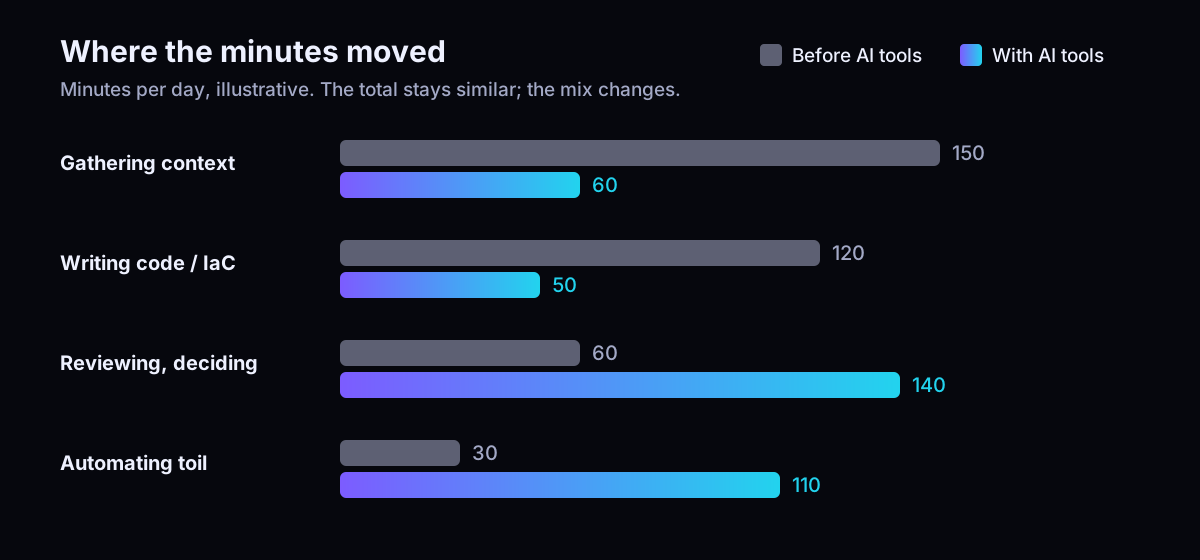
Writing got cheaper, so there is more to review. A first-pass AI review catches style and obvious bugs. Your review is about blast radius, rollback and whether the change should happen at all.
16:00 Kill one piece of toil
# Ask for the script AND the tests, then read both
claude -p "Write a bash script that drains a node, waits for pods to reschedule, and aborts if more than 1 node is already cordoned. Include a --dry-run flag and bats tests."
One toil task a day adds up. The guardrails are still your job: dry-run modes, limits on how many hosts change at once, and a kill switch. That is how I approached guard-railed upgrades across a 2000+ machine fleet.
Skills that matter more for an AI-augmented SRE
- Judgement and review: reading plans, diffs and AI hypotheses critically.
- Systems thinking: knowing which signal matters when the AI hands you ten.
- Context engineering: good runbooks and docs make every AI tool better (see blameless post-mortems for capturing that knowledge).
- MLOps and LLMOps: latency SLOs, token budgets and cost per request are now part of production too.
Key takeaways
- AI shifts SRE time from gathering and typing to reviewing and deciding.
- Pipe facts you control into the model; never let it act on production alone.
- Review Terraform plans and diffs, not AI explanations.
- Automate one toil task a day, with guardrails built in.
Want to bring this into your team? See my AI and automation consulting.
Related articles
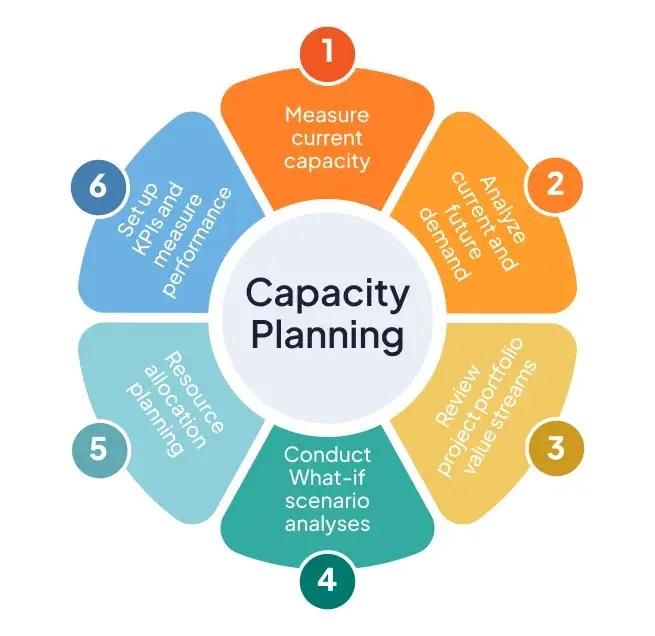
Capacity Planning in the Cloud Era
In the dynamic landscape of cloud computing, managing infrastructure effectively is less about static provisioning and more about intelligent, adaptive resource orchestration. Capacity planning, once a periodic, often te
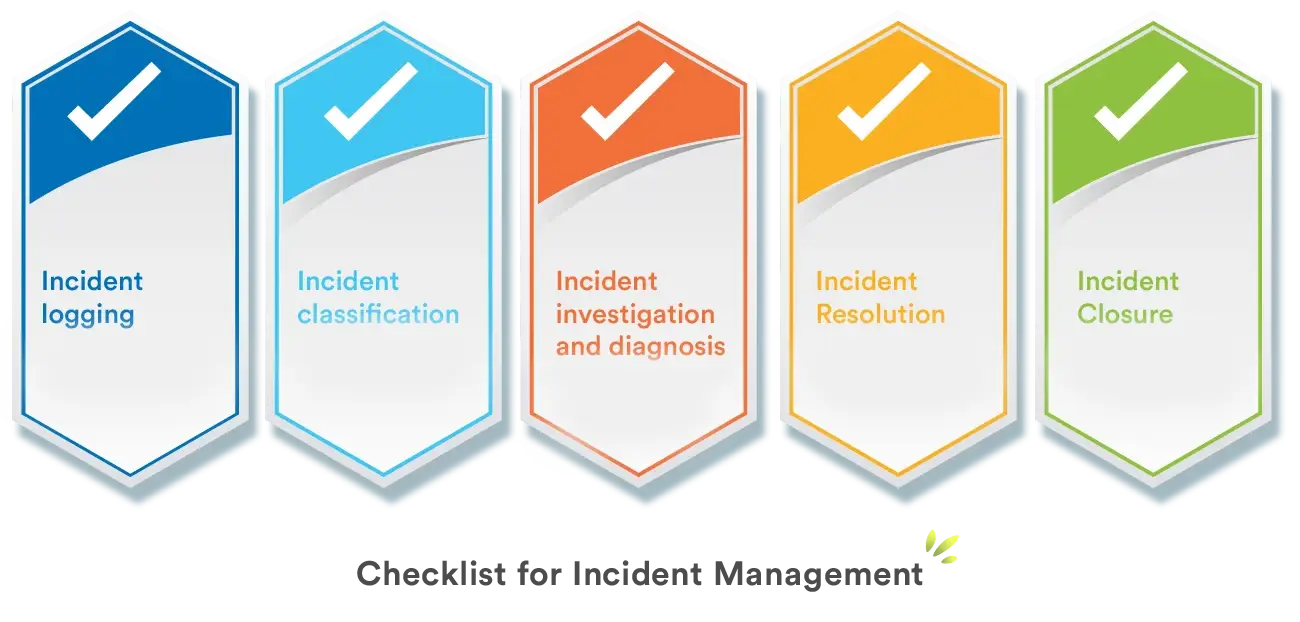
Incident Management: Post-Mortem Culture That Works
The world of complex distributed systems is inherently unpredictable. Despite our best efforts in design, testing, and deployment, incidents are not a question of “if,” but “when.” For Site Reliability Engineers, Softwar
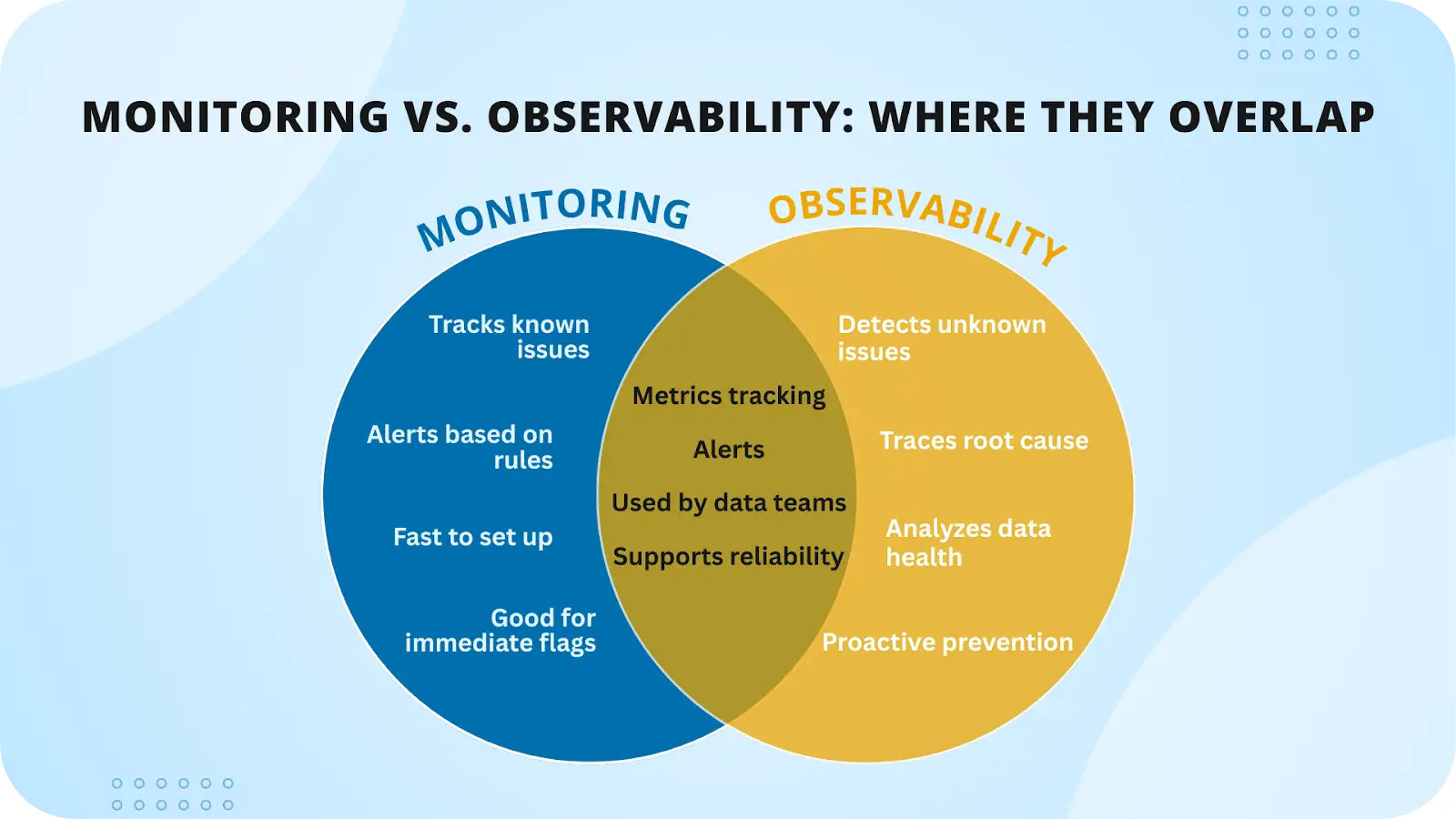
Observability vs Monitoring: Understanding the Difference
In the rapidly evolving landscape of distributed systems, microservices, and cloud-native architectures, the terms “observability” and “monitoring” are often used interchangeably, leading to confusion and, more criticall